The core modules
| Who | What they need |
|---|---|
| Tenants | Listings, applications, lease signing, rent and bill payments, maintenance requests |
| Staff | Work orders, visits, inspections, vendors and expenses |
| Managers and owners | Properties, units, leases, ledgers, reports |
| Your SaaS business | Sign-up, plans, billing, onboarding, support tools |
Multi-tenancy: one product, many customers
- Every record belongs to a customer account, and every query is filtered by it.
- Roles inside each account: owner, manager, staff, accountant.
- Settings per account: late-fee rules, lease templates, branding.
- Data export per account, so customers trust they can leave.
Payments and money
Rent collection is the feature customers pay for, and the hardest to get right: card and bank payments, partial payments, late fees, deposits and payouts to owners. Each market has its own methods, such as ACH in the U.S., pre-authorised debit in Canada and UPI Autopay in India.Pricing models
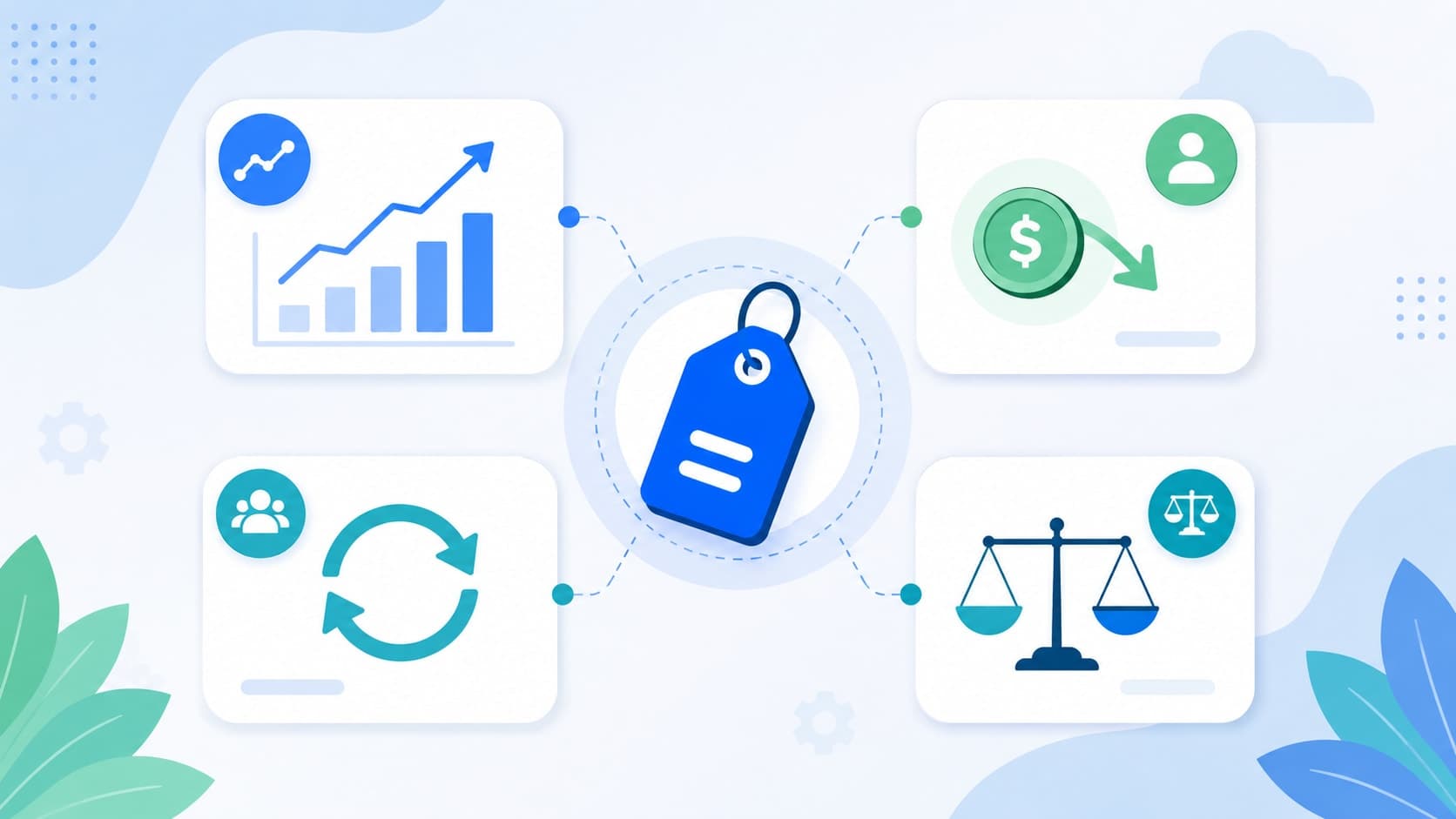
- Per unit: scales with portfolio size; the most common model.
- Per property or tier: simpler to explain, less precise.
- Payment fees: a margin on rent processing, alongside a subscription.
- Add-ons: screening, e-signing, extra staff seats.
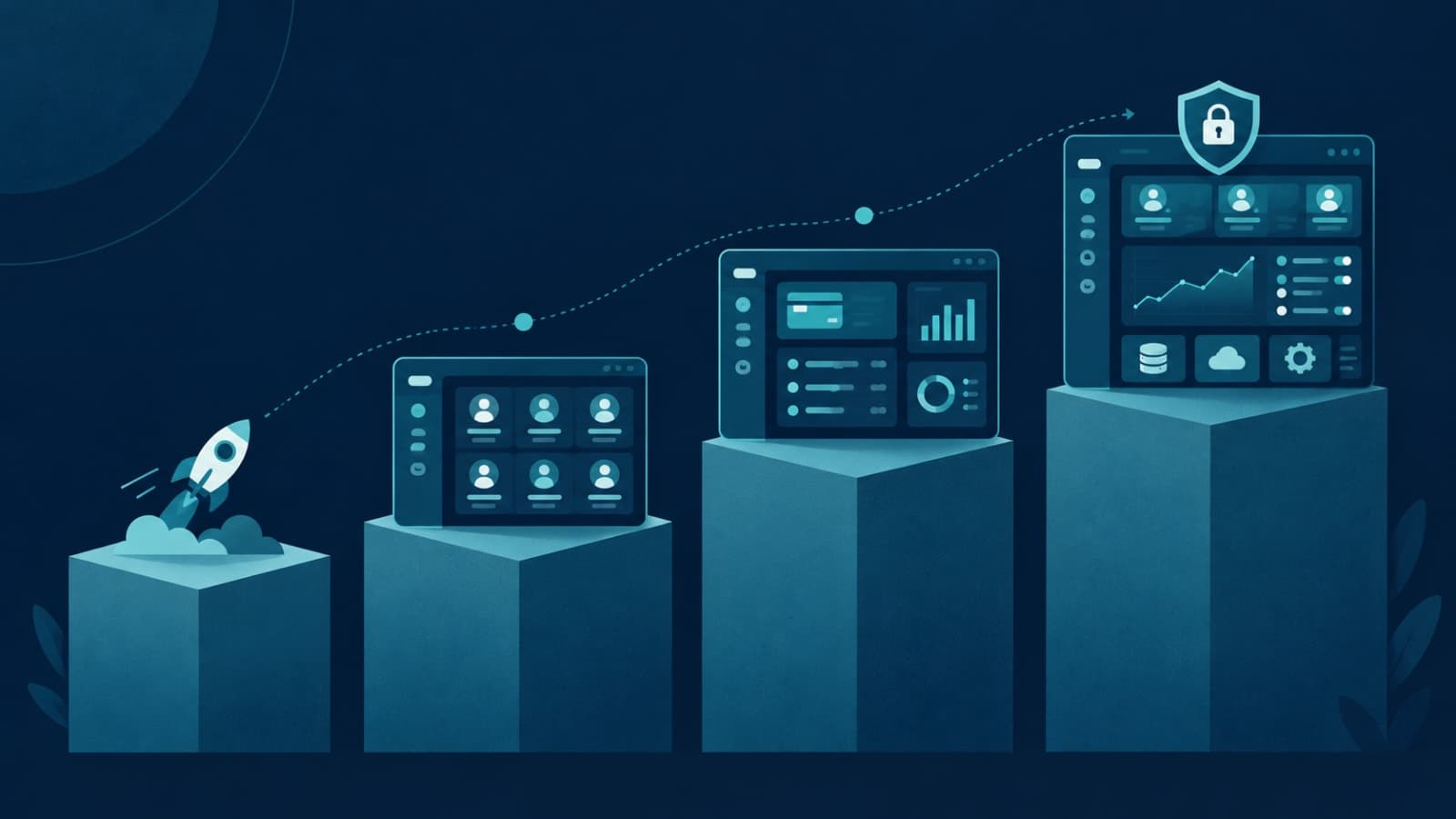
What to build first
- Properties, units and leases for one market.
- Tenant app or portal with rent payment and maintenance requests.
- Staff view for work orders.
- Manager dashboard and basic ledgers.
- Self-serve sign-up and billing for your own customers.
What we built: RentEra
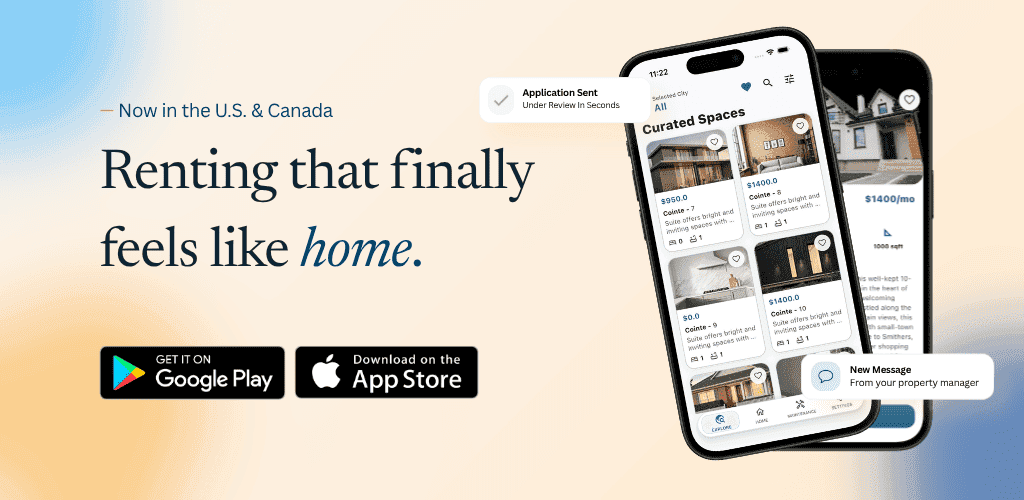
We designed and shipped RentEra for a Canadian client, live at rentera.ca. The tenant app covers browsing, applying with a co-applicant, digital signing and paying rent and bills. The staff app handles geofence-verified maintenance visits, vendors, expenses and property, lease and financial operations behind role-based access. More in tenant and rent management app development.FAQ
Should we start with landlords or property managers?
Property managers usually have more units, clearer processes and budget. Small landlords need a much simpler product.Can one product serve the U.S., Canada and India?
Eventually, but payments, leases and rules differ. Launch in one market first.Do we need mobile apps?
Tenants and field staff benefit most from apps. Managers often work on the web.Building property software to sell? Book a free scoping call and we'll help you scope version one.