
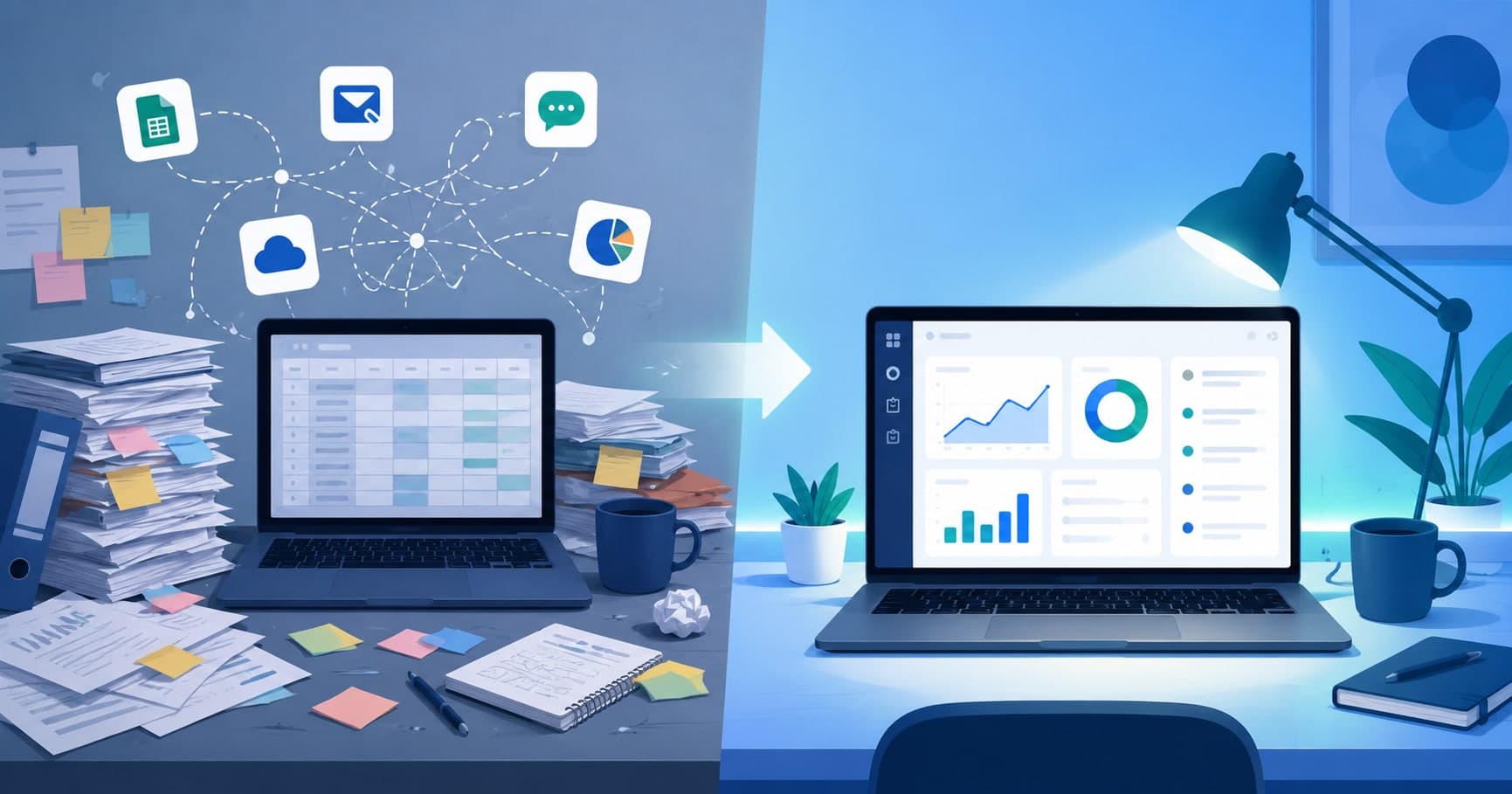
Short answer (updated October 2026): you've outgrown off-the-shelf software when the workarounds take more time than the work — records live in Excel or paper, tasks are assigned verbally, nobody can answer "what's pending right now" without a spreadsheet, data gets re-typed between apps, and no tool fits how you actually operate. If three or more of the seven signs below apply, custom software is usually worth a serious look. There's a quick self-check at the end.
Most businesses don't wake up one day and decide they need custom software. It happens gradually — a spreadsheet turns into three spreadsheets, a WhatsApp group becomes the actual project management system, and someone's memory becomes the only record of what was promised to a customer. None of it looks broken from the inside, because you built workarounds for every gap as it appeared. But workarounds are a sign, not a solution. Here's how to tell the difference, and what actually changes once you move past it.
1. Your Records Live in Paper or Excel
If a customer order, an inventory count, or a payment record only exists in a physical register or a spreadsheet someone maintains by hand, you don't have a system — you have a person. That person's typos, absences, and version-control mistakes (which invoice tab was the final one?) are now business risks. Excel is a genuinely good tool for analysis; it's a poor one for being the permanent, shared source of truth for how your business actually runs. We cover where this breaks for stock and billing in inventory and billing in Excel.
2. Work Gets Assigned Verbally, Not Tracked
"I told Rahul to handle it" is not a task management system. When assignments happen over a phone call or a hallway conversation, there's no record of who owns what, when it's due, or whether it actually got done — until a customer complains or a deadline is missed and everyone starts reconstructing who said what. If the only way to know a task's status is to ask the person directly, the system is the person, and it doesn't scale past a handful of employees.
3. You Have No Real Tracking or Reporting
Ask yourself how quickly you could answer: how many orders are pending right now? Which client hasn't paid in 30 days? Which employee is overloaded this week? If the honest answer involves opening four spreadsheets and doing manual addition, you're running the business without instruments — like flying a plane by looking out the window. Decisions end up based on whoever spoke last in a meeting, not on what's actually happening on the ground.
4. You're Managing the Business Across Five Different Apps
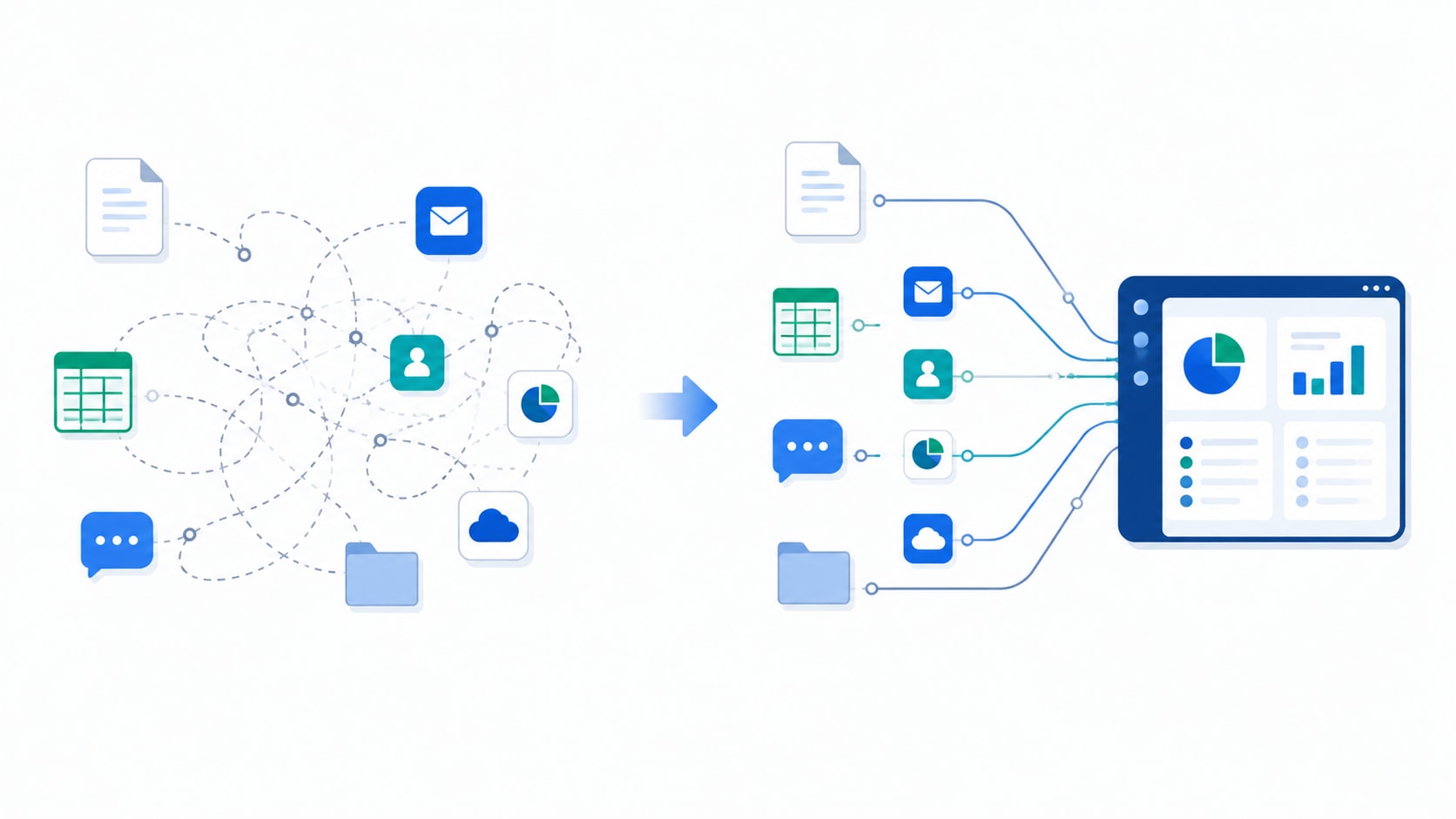
A generic CRM for leads, a separate invoicing tool, WhatsApp for field updates, Excel for inventory, and Google Forms for customer feedback — each tool solves one narrow problem well, but nothing connects them. Someone has to manually copy data between systems, which means duplicate entry, mismatched numbers, and delays every time information needs to move from one place to another. The more tools you stitch together, the more your "system" is actually just a person doing unpaid integration work between apps that were never designed to talk to each other.
5. No Off-the-Shelf Tool Covers How You Actually Work
Generic software is built for the average business in a category — not yours specifically. If your approval process has a step no CRM anticipates, if your pricing logic is too specific for a template, or if an entire part of your operation (a unique delivery workflow, a compliance requirement, a multi-step verification process) simply has no matching feature in any tool you've tried, that's not a gap you'll eventually find a plugin for. It's a sign the software market wasn't built with your business's specific shape in mind.
6. Approvals Happen in Chat, Not in a System
Discounts, expenses, purchase orders, and refunds approved with a thumbs-up in a WhatsApp group work until someone asks who approved what, and when. There's no audit trail, approvals wait on whoever is awake, and nothing stops the same request being approved twice. If chat is your approval workflow, read what a real approval workflow looks like.
7. Month-End Takes Days Instead of Minutes
If closing the month means exporting from three tools, copy-pasting into a master sheet, and reconciling the numbers by hand, the reporting problem isn't your team — it's that the data was never in one place. When reports take days, they arrive too late to change anything, and the people who build them aren't doing their actual jobs while they do.
A generic tool solves the average business's problem. Custom software solves yours — including the parts of your business that don't look like anyone else's.
Common framing in custom software development
Quick Self-Check: Have You Outgrown Your Tools?
| Statement | Sign |
|---|---|
| Orders, stock, or payments are recorded in Excel or a paper register | 1 |
| Tasks are assigned by phone or chat, with no tracked status | 2 |
| You can't see pending orders or unpaid invoices without building a report | 3 |
| Someone re-types the same data into two or more tools | 4 |
| You've tried several tools and none fits a key part of your process | 5 |
| Discounts, expenses, or purchase orders are approved in WhatsApp | 6 |
| Month-end reporting takes more than a day | 7 |
0–2: better off-the-shelf tools or a small integration will probably do. 3–4: worth costing out a focused custom system for the part that hurts most. 5–7: the workarounds are now costing you more than a system built around your process would.
What Custom Software Actually Gives You
Recognizing the signs is one thing — knowing what actually changes on the other side is what makes the decision worth it. A well-built custom software system replaces the problems above with:
- One shared source of truth — orders, inventory, customer records, and tasks live in a single system everyone works from, instead of scattered across paper, spreadsheets, and someone's memory.
- Assignments that are tracked, not spoken — every task has an owner, a status, and a due date visible to everyone who needs it, so nothing depends on remembering a conversation.
- Real-time visibility and reporting — dashboards that answer "what's happening right now" instantly, instead of requiring someone to manually compile numbers before every meeting.
- Everything connected, nothing re-typed — a connected backend that ties your existing tools together (or replaces the ones that no longer earn their place), so data moves automatically instead of by hand.
- Software shaped around your actual workflow — including the specific approval steps, compliance checks, or edge cases that generic platforms simply don't have a feature for.
- A system your team can access anywhere — field staff, delivery teams, or remote employees working from a mobile app built for exactly what their role needs, not a scaled-down version of an office tool.
- Ownership of the system itself — you own the software and the data it runs on, instead of renting access to a vendor's platform whose pricing and roadmap you don't control.
Is Custom Software Always the Right Call?
Not always, and it's worth saying so plainly. If you're an early-stage business still validating what you're building, or your needs are genuinely standard — basic invoicing, a simple CRM, project tracking for a small team — a good off-the-shelf tool or a lightweight SaaS product will usually get you further, faster, and cheaper. Custom software earns its cost when the workarounds themselves have become the bottleneck: when your team spends more time compensating for missing features than doing the work those features were supposed to support. To put numbers on it, use our custom software payback calculation, or compare options in build vs buy.
How We Approach Custom Builds at Fall Rise
At Fall Rise, every custom software engagement starts by mapping how your business actually operates today — the paper trails, the group chats, the spreadsheets nobody else understands — before we design anything. From there we build the specific system your operations need: a connected backend, a web dashboard for managers, and a mobile app for field or delivery teams where relevant, hosted and deployed as one working product rather than a pile of disconnected pieces. It's the same approach behind Bhaada, our logistics platform, the Umiya Jari inventory system, and the other products we've built for businesses that had outgrown generic tools. When it's time to switch, we move your existing data across with a step-by-step migration plan so the business doesn't stop.

FAQ
How do I know if my business needs custom software?
When your team spends more time on workarounds than on the work: re-typing data between tools, chasing task status by phone, building reports by hand, or bending your process to fit software that doesn't match it. If three or more of the seven signs above apply, it's worth costing out a custom system.When should a business stop using spreadsheets?
When more than one person edits the same sheet, when it's the only record of orders, stock, or money, or when mistakes in it start reaching customers. Spreadsheets are fine for analysis; they're risky as the main system a business runs on.What are the signs a business has outgrown its project management software?
Work is tracked in the tool but approvals, billing, and client updates happen elsewhere; you need custom fields and workflows the tool can't support; and managers export data every week to see what's really going on. At that point a system that connects projects, approvals, and billing usually saves more than it costs.Is custom software worth it for a small business?
It can be, when it replaces real hours of manual work or prevents costly mistakes. It isn't worth it for standard needs that a good off-the-shelf tool already covers. Start with the one process that hurts most, rather than trying to replace everything at once.If two or more of these signs sound familiar, it's worth at least having the conversation. Let's talk through what your business actually needs — no pressure to go custom if a simpler tool would genuinely do the job better.