What it looks like day to day
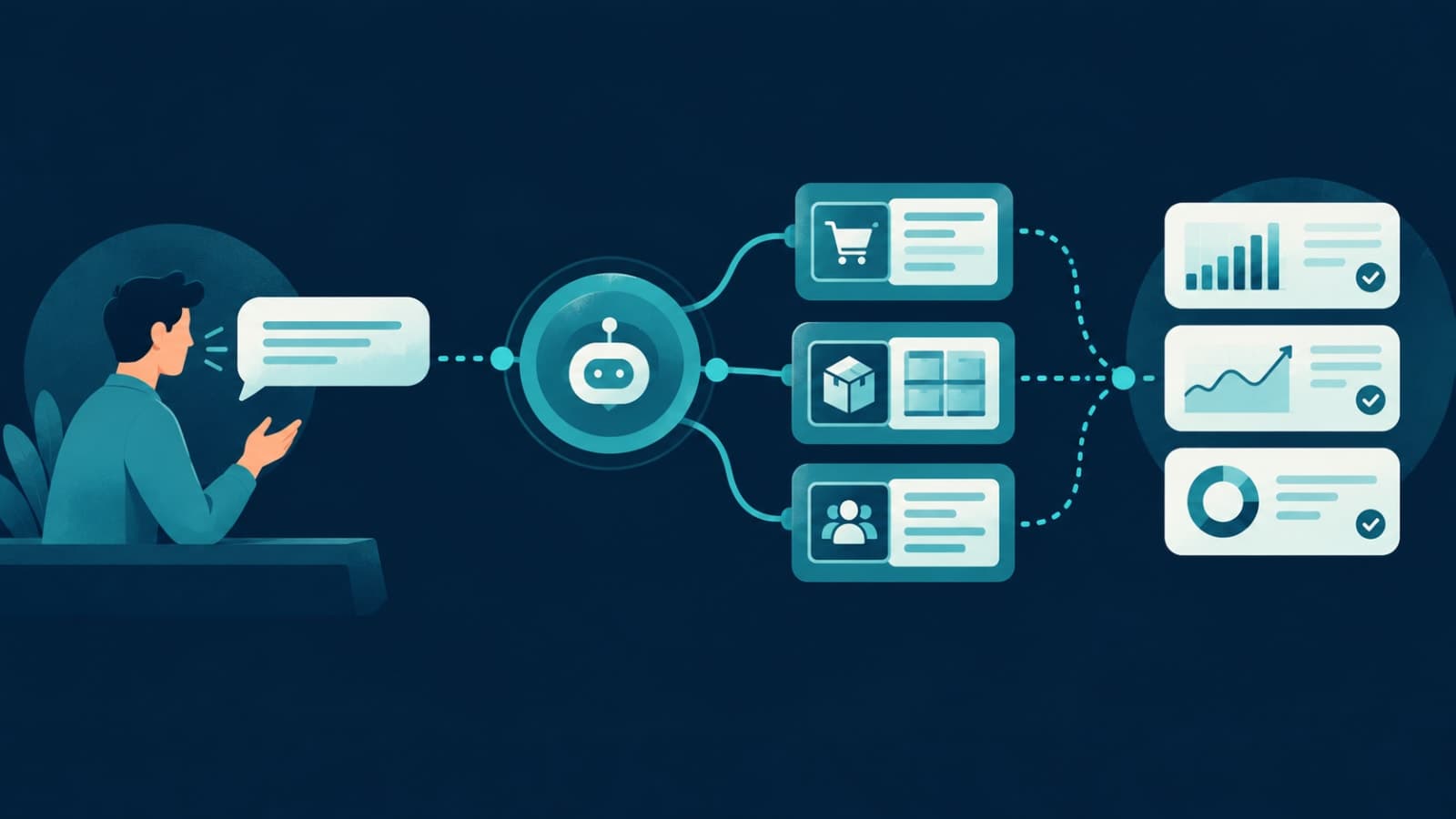
Instead of opening three screens, filtering a table and exporting to Excel, someone on your team types a question into the AI assistant they already use:- "How many orders are still unassigned from today, and which city are they in?"
- "Show me leads from last week that nobody has called back."
- "Which open support tickets are older than three days?"
- "List properties with rent overdue by more than ten days."
- "Draft a follow-up for each of those customers."
How it works, in plain terms
- Your existing system already has an API — the same one your web or mobile app uses.
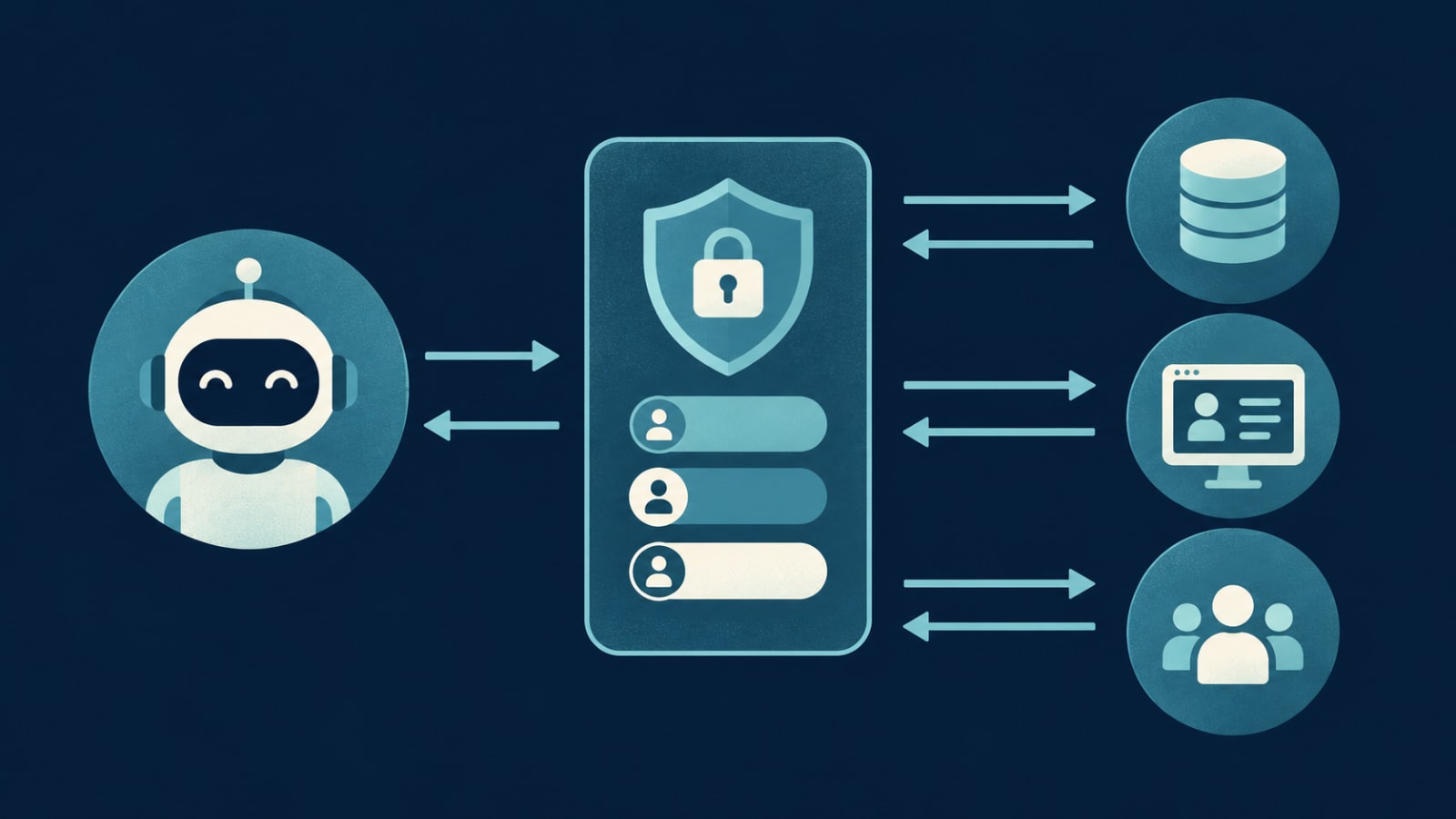
- An MCP adapter is built on top of that API and describes a few things to the AI: the data it can read (orders, leads, tickets) and the actions it may take.
- Your team connects their AI assistant to that adapter with their own login.
- When someone asks a question, the assistant calls the adapter, the adapter checks permissions and asks your system, and the real answer comes back.
Keeping it safe
Connecting AI to business data is only useful if it's controlled. A well-built integration should include:- Read-only by default. Each type of data is set to read-only or read-write separately; most start read-only.
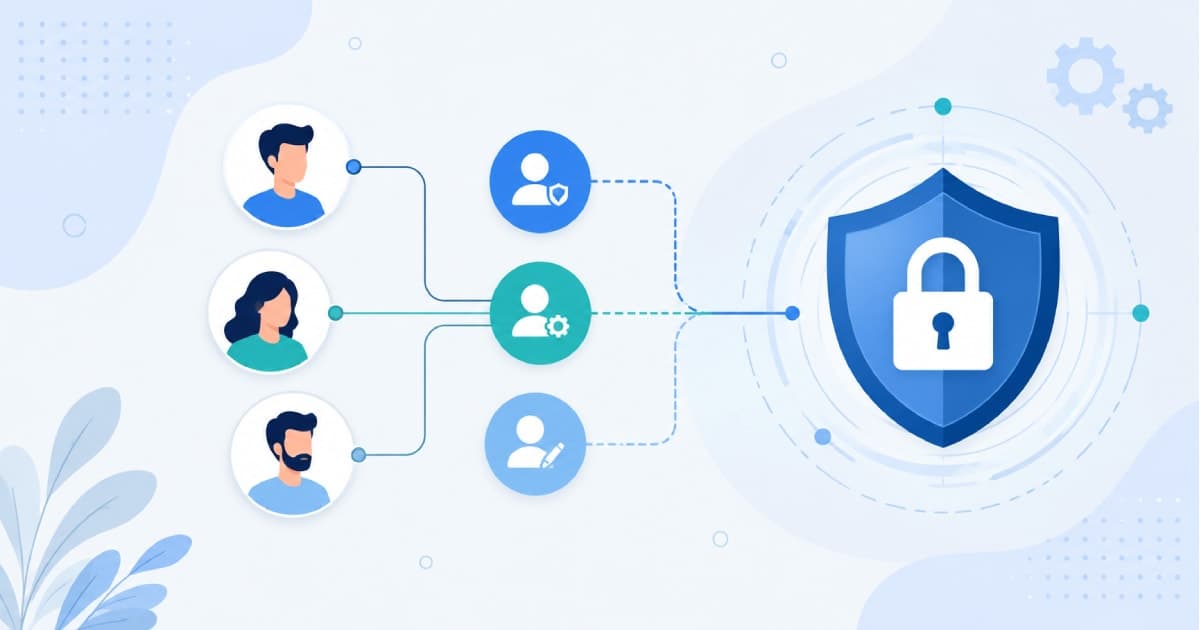
- Your existing roles apply. The AI sees exactly what the person asking is allowed to see — mapped to your existing role-based access control.
- Confirmation before changes. Any write or delete action asks the user to confirm.
- Audit logs. Every question and action is recorded with who, what and when — the same principle we cover in should your team edit customer data directly.
- Sandbox first. Built and tested against a staging copy, with no production access until you approve it.
Where it pays off first
- Owners and managers who want answers without waiting for a report or learning the admin panel.
- Operations teams chasing exceptions: late deliveries, stuck orders, overdue payments.
- Sales and support who need a customer's full picture before a call.
- Repetitive admin — status updates, follow-up drafts, weekly summaries.
When it isn't the right move yet
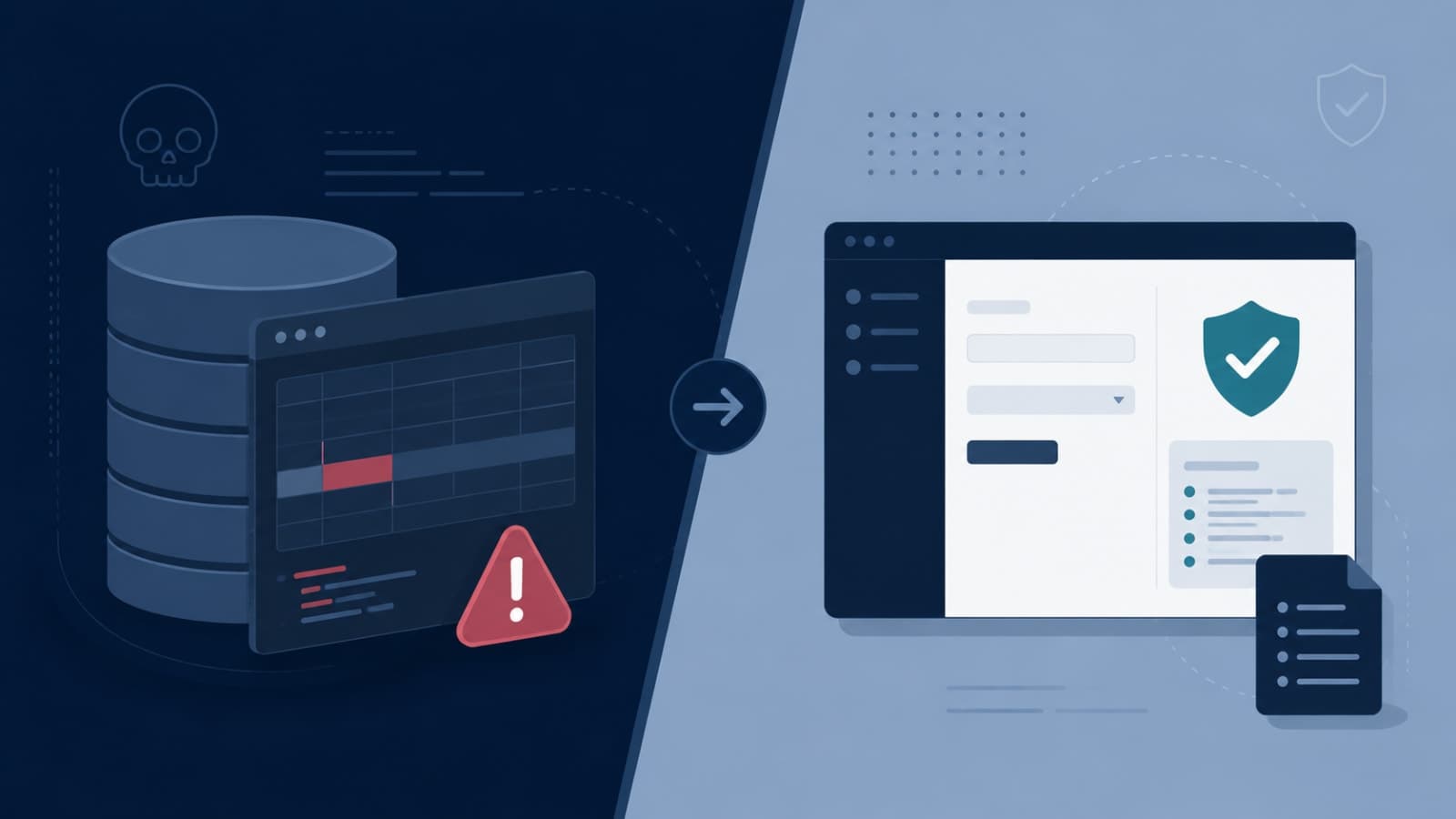
- Your data lives in scattered spreadsheets with no single system or API — fix that first with a data migration plan.
- The data itself is unreliable. AI will repeat bad numbers confidently.
- Your team doesn't use an AI assistant at all, and has no appetite to start.
What it takes to connect an existing system
- A discovery call to understand your stack, login method and hosting.
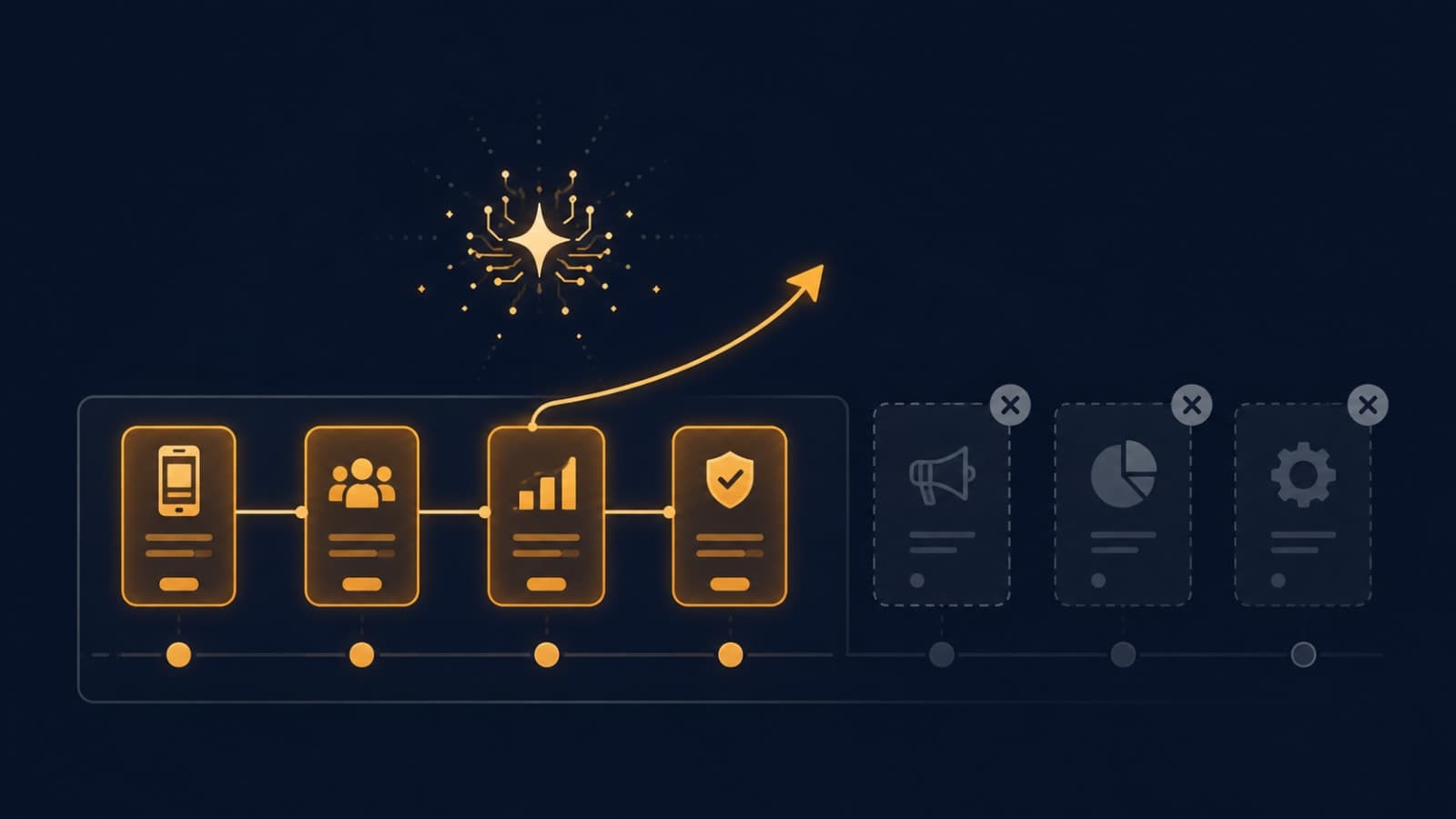
- Pick the 3–5 types of data that matter most (for example leads, orders, tickets, listings).
- Set permissions and guardrails for each.
- Build and test the adapter against a staging environment.
- Go live with production access, an audit log, and a plan for adding more data later.
FAQ
What is MCP in simple terms?
MCP is an open standard that lets AI assistants connect to other software in a consistent way, so they can read data and take actions in those systems when allowed.Will the AI see all our business data?
No. It only sees the data types you expose, and each person only sees what their role allows. Everything is logged.Do we need to rebuild our existing software?
No. The integration sits on top of your system's existing API. If there's no API yet, one can be added without rebuilding the app.Which AI assistants can connect?
MCP is supported across major AI assistants, including Claude, ChatGPT and Gemini, so your team can use the assistant they already prefer.Want your team to ask your dashboard or CRM questions in plain English? Book a free call — we'll look at your system and tell you what can be connected safely. Explore our wider AI development services too.