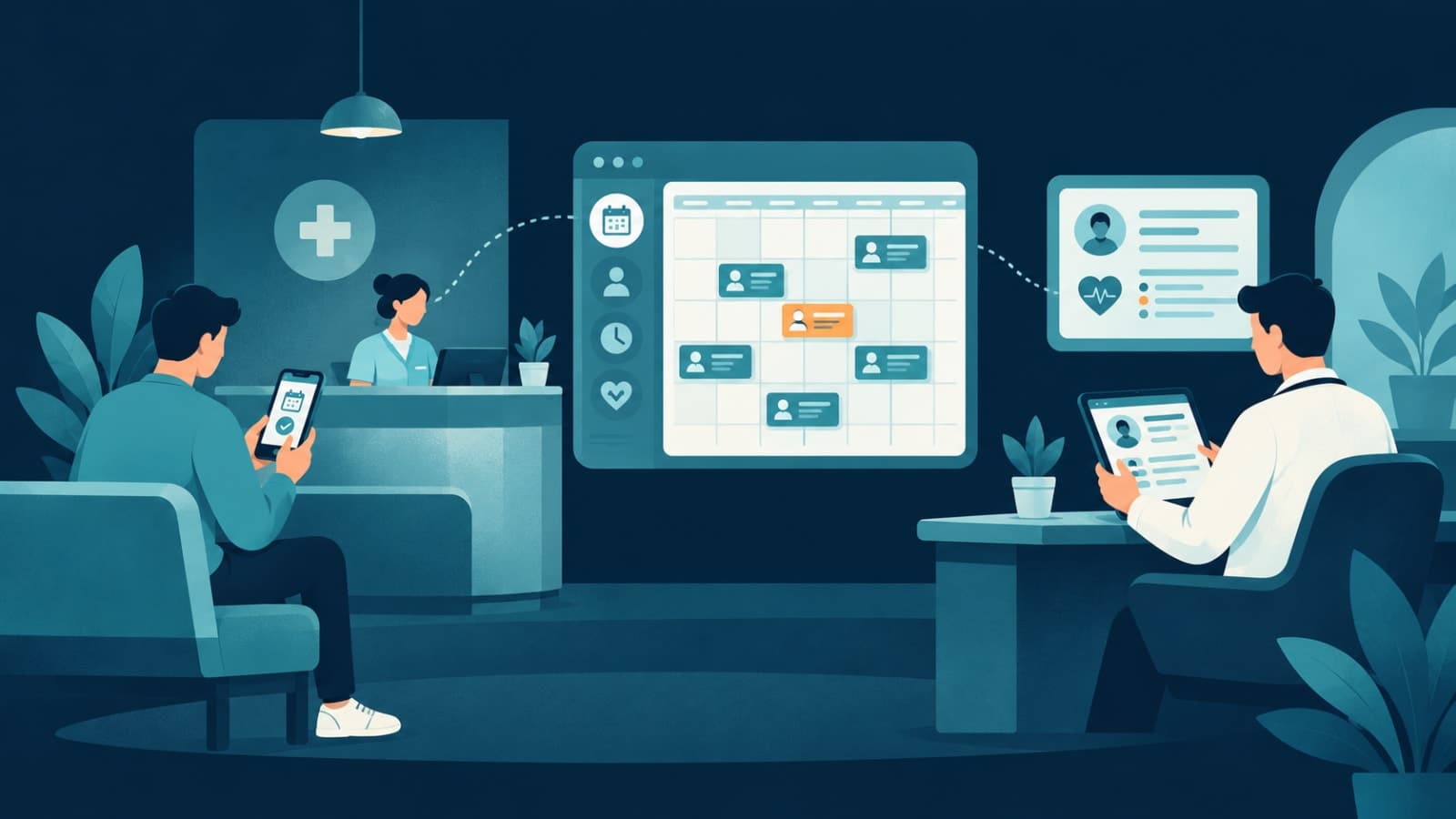
Where small clinics lose time today
- Phone booking. Staff spend hours a day answering calls just to check and book slots — often while patients are waiting at the desk.
- Double bookings. Two people check the same diary and promise the same slot.
- No-shows. Without reminders, forgotten appointments leave gaps that can't be filled.
- Paper records. Finding a patient's history, last prescription or test report takes time and depends on who filed it.
- Billing and follow-ups. Receipts, pending payments and follow-up visits are tracked in a notebook or spreadsheet.
What clinic software should do, in order
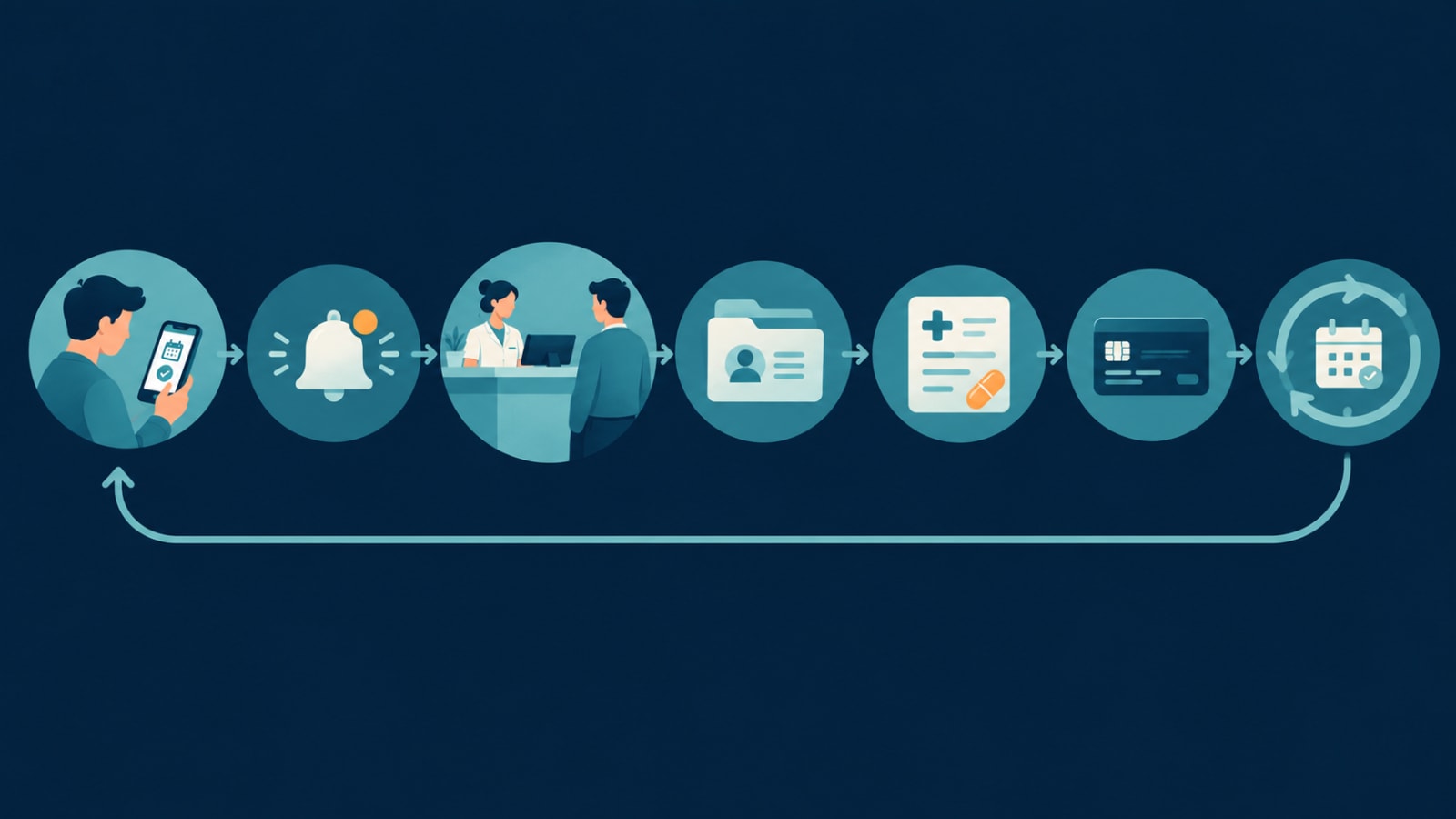
- Online booking with real-time slot availability, so patients can only book open times.
- Confirmations and reminders by email, SMS or WhatsApp, with an easy way to reschedule.
- Doctor-controlled availability — leave, holidays and consultation hours managed in one place.
- Patient records — visit history, notes, prescriptions and reports, searchable by name or phone.
- Billing and receipts, including pending payments.
- Reports for the owner: appointments per day, no-show rate, revenue by doctor or treatment.
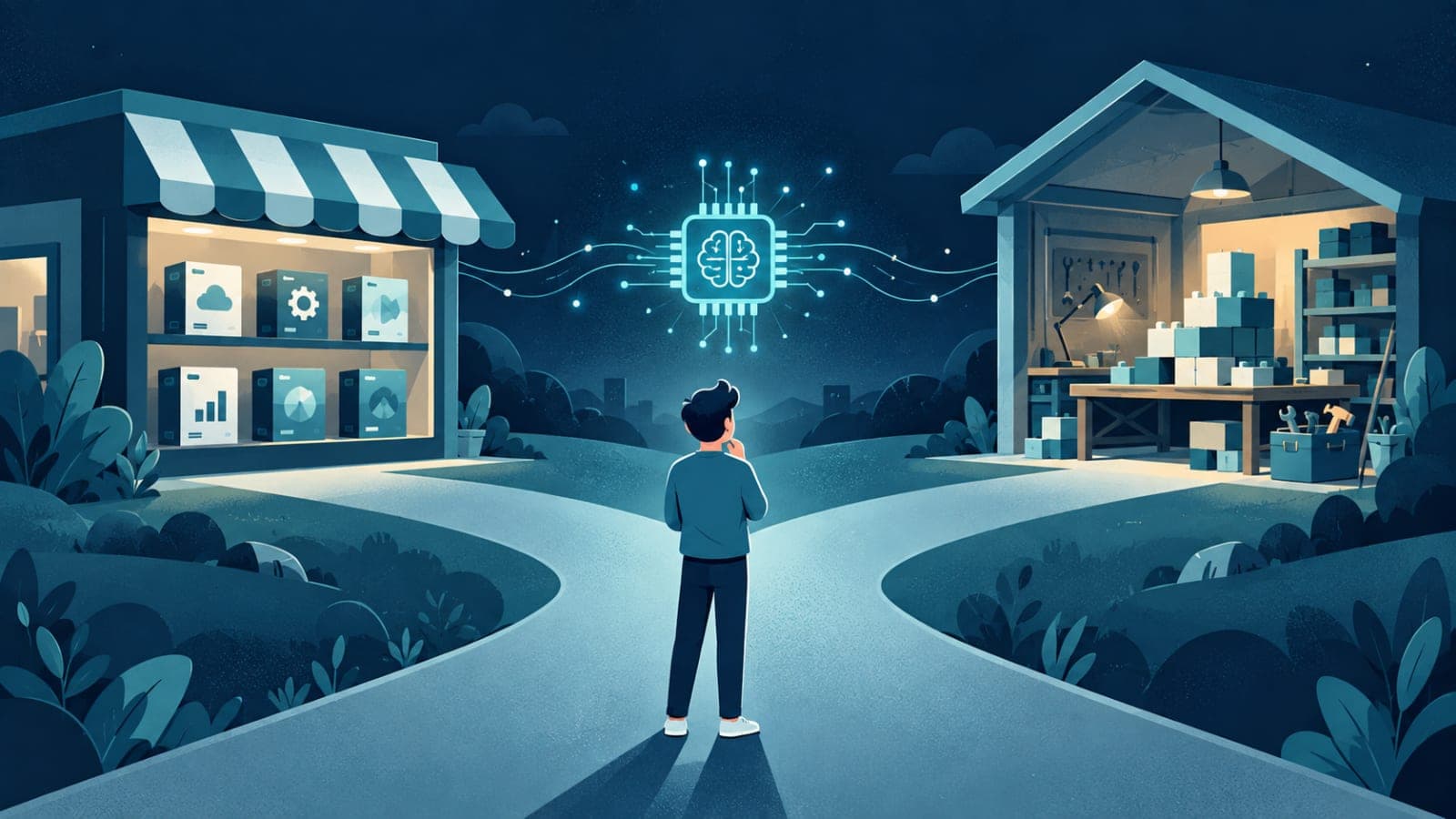
Buy or build?
| Off-the-shelf usually works when | Custom usually pays off when |
|---|---|
| One doctor or a small team with standard consultations | Several doctors, specialities or branches with different rules |
| Standard appointment slots | Packages, multi-session treatments, or approval before booking |
| You're happy with the tool's booking page | Booking needs to live on your own website, matched to your brand and SEO |
| Per-user fees are affordable at your size | Per-user and per-branch fees keep climbing |
| No other systems to connect | You need it to connect to your calendar, labs, payments or a patient app |
A real example: Aastha Homeopathy
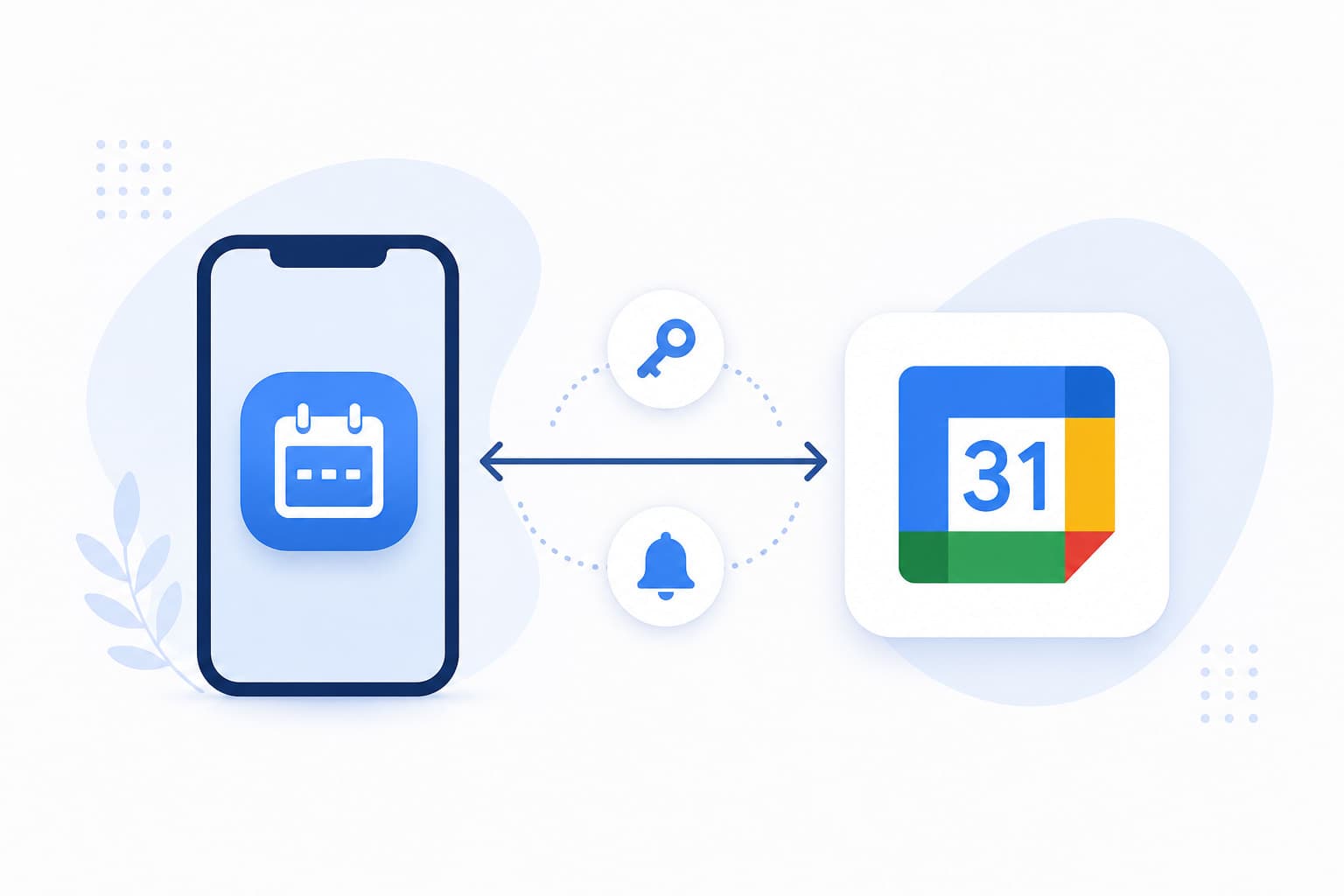
For Aastha Homeopathy, a clinic in Gujarat, we replaced phone-based scheduling with a clinic website and online appointment booking. Patients pick a date, see which slots are free, and book. The clinic manages availability from Google Calendar, so there was no new admin panel for the doctor to learn — the same approach we describe in our Google Calendar sync guide. Slot locking prevents two patients from booking the same time, and every booking gets a branded email confirmation. The site also carries doctor and treatment pages built for search, so it brings in new patients, not just bookings from existing ones. The project took four weeks with two engineers.Patient data: what to get right
Health information is sensitive, and the rules depend on where you practise — for example the DPDP Act in India, HIPAA in the U.S., and GDPR in the UK and EU. Whatever you use, check that it:- Collects only the data the clinic actually needs, and records patient consent
- Restricts access by staff role — reception doesn't need full medical notes
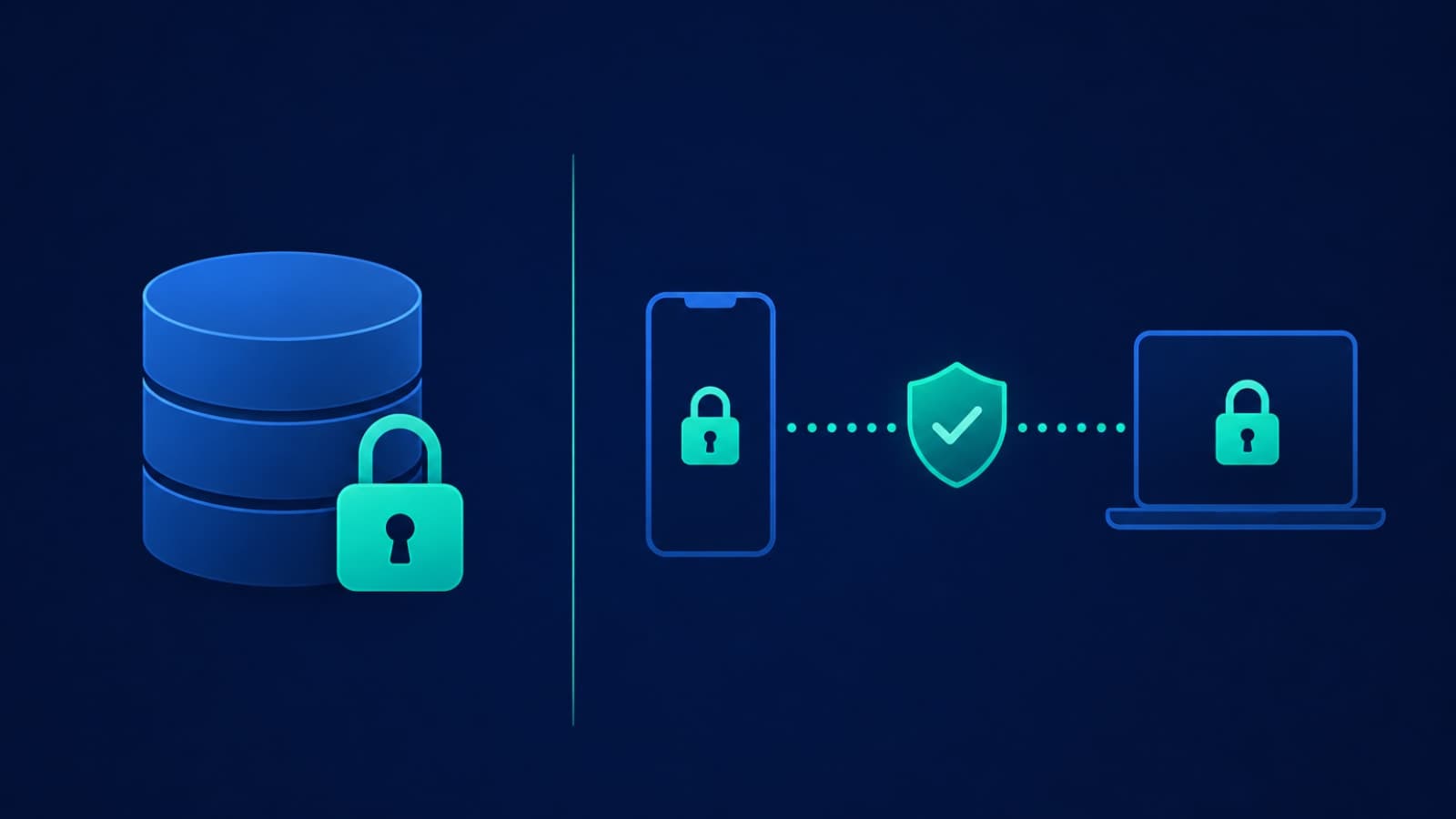
- Encrypts data in transit and at rest — and understand what "encrypted" does and doesn't cover
- Keeps backups and a log of who viewed or changed records
Reminders: the cheapest fix for no-shows
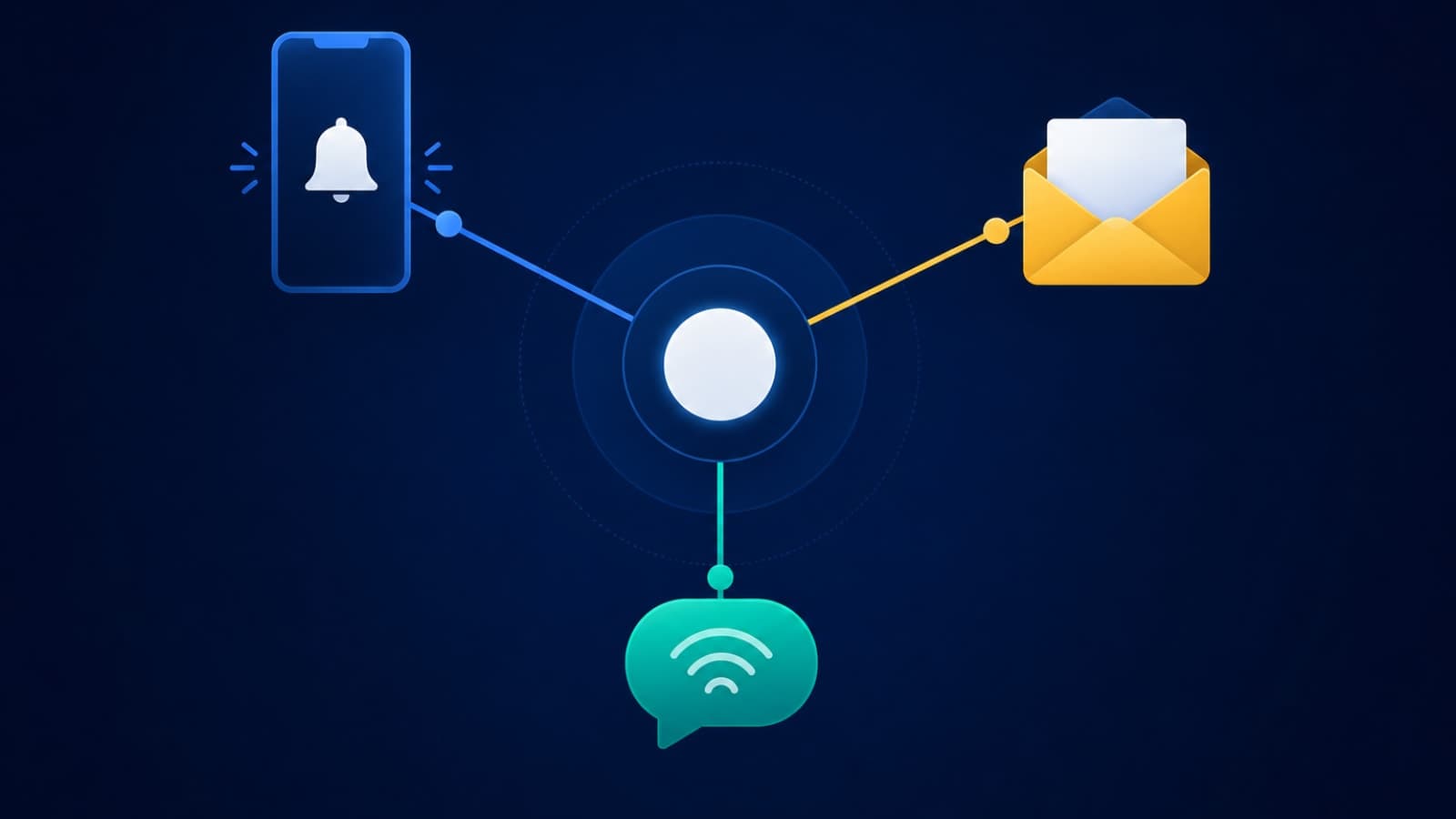
A confirmation at booking and a reminder the day before is the simplest change with the biggest impact on missed appointments. Choose channels deliberately: email is cheap, SMS and WhatsApp reach more people but cost per message. Our post on notification systems explains how to route them.FAQ
What is the best software for a small clinic?
For a single doctor with standard appointments, an established off-the-shelf booking and records tool is often enough. For multiple doctors, branches, or a custom booking flow on your own website, a custom system usually fits better over time.How long does it take to build a clinic booking system?
A clinic website with online booking, calendar sync and confirmations can be built in around four weeks. Adding patient records, billing and a mobile app extends that.Can patients book online without the doctor using a new app?
Yes. Availability can be managed from a calendar the doctor already uses, such as Google Calendar, with bookings appearing there automatically.Do we need a mobile app for the clinic?
Not at first. A fast, mobile-friendly booking website covers most patients. A patient app makes sense later for repeat visits, treatment plans, reports and reminders.Running a clinic and tired of phone bookings and paper files? Book a free call — we'll look at how your practice works and tell you whether to buy a tool or build your own. See also our custom software development service.